Organize your day
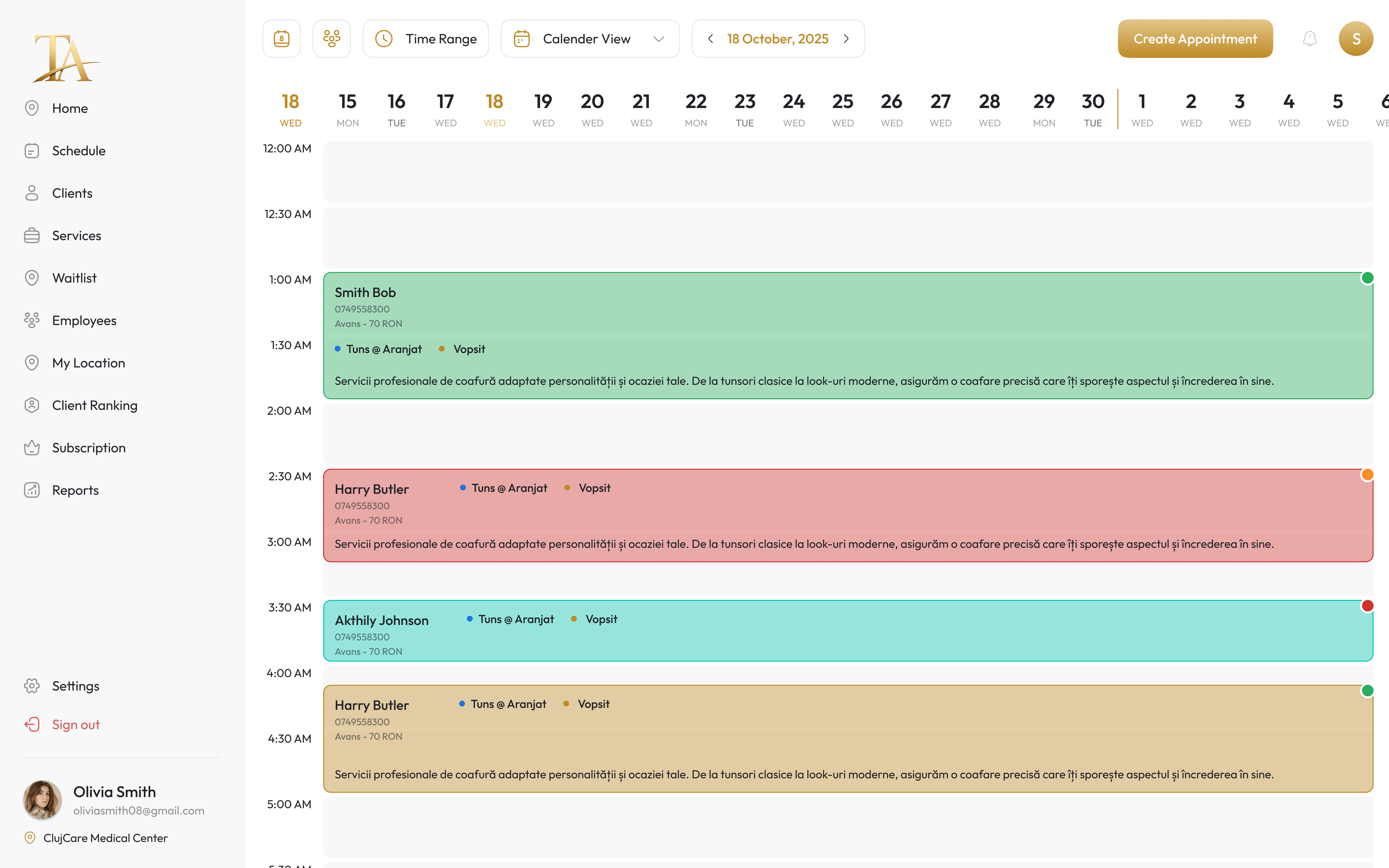
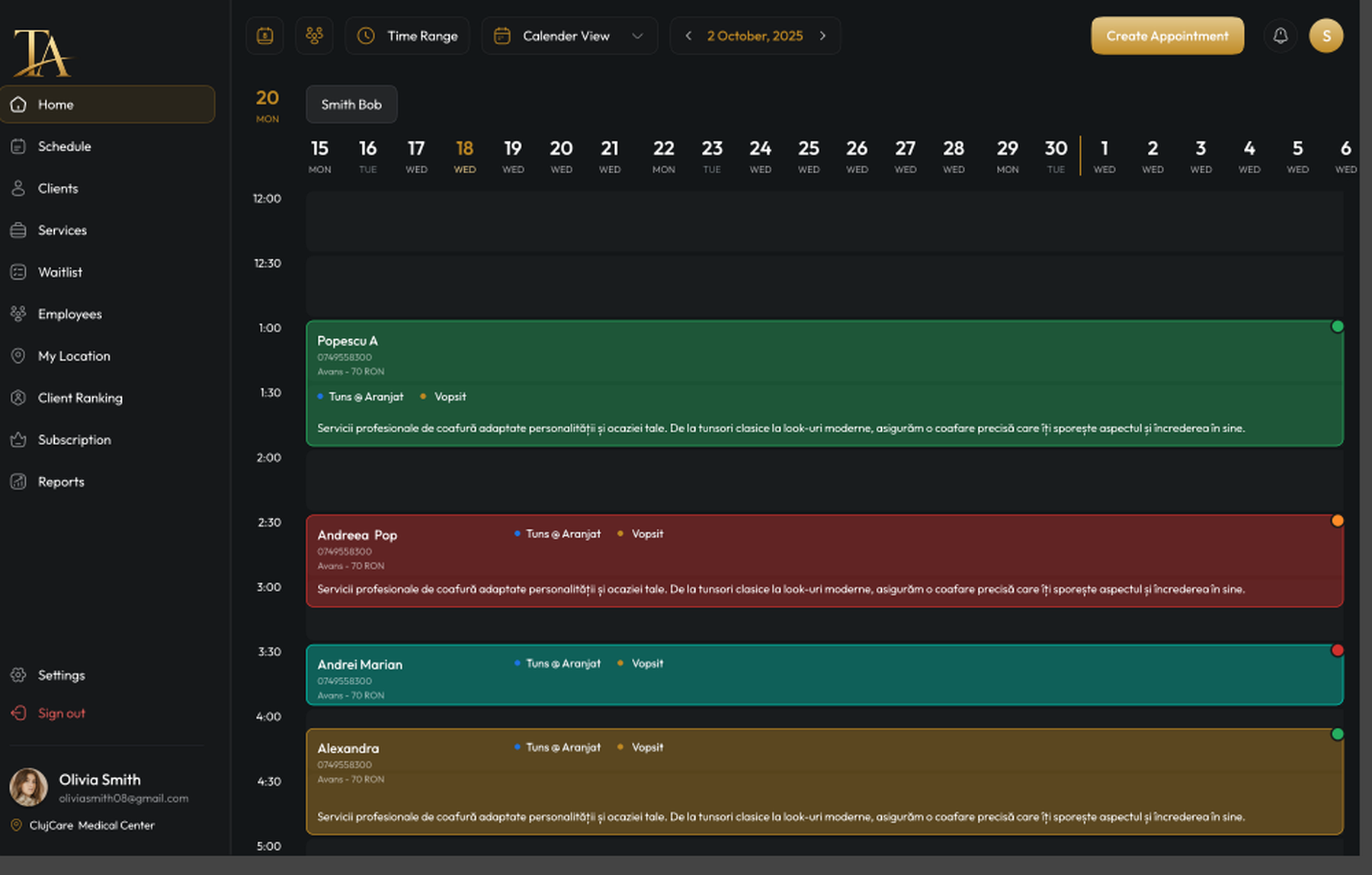
One shared calendar for people, services and locations, without searching separate conversations.
See the calendar- Team calendar
- Services and duration
- Multiple locations
- Notes in view
Calendar for salons, clinics and service teams
TapAgenda synchronizes appointments, team calendars, confirmations, reminders and client history, so everyone knows what comes next.
Plans scale with active bookable calendars
72, 24 and 3 hours before
Clear services, times and permissions
The client replies, the team sees the status
One view across the operation
A day in TapAgenda
From opening time to the last client, the team sees the same day: who is coming, for which service, how long it takes and what needs confirmation.
08:30
Open the calendar and see the team, services, deposits and important notes.
09:12
The client chooses a service and an available time without extra calls or messages.
Elena M.
Balayage · 90 min · with Ana
09:13
TapAgenda prepares messages automatically before the visit, at the right moments.
09:18
The reply reaches the calendar and the team immediately sees that the booking is secure.
Elena M.
Thursday · 11:30 · Balayage with Ana
13:00
Each colleague sees the client, service, duration and context they need.
Ana
Radu
Ioana
18:10
See what was completed, what comes next and where to act tomorrow.
Three closed loops
TapAgenda keeps together the information that would otherwise scatter across messages, calendars and people.
One shared calendar for people, services and locations, without searching separate conversations.
See the calendarConfirmations, reminders and the waitlist work together before a time slot stays empty.
See the workflowHistory, notes, photos and reports help you continue each relationship where it left off.
See the client profilePlans by active calendars
TapAgenda is configured around active calendars, locations and roles. In the demo, we map your real business structure and recommend the right setup.
For an independent professional.
For teams that share appointments and clients.
For operations with multiple locations or roles.
Every new account includes a 15-day free trial.
Made for appointment-based work
The same system, configured around your services, team and locations.
FAQ
Direct answers about pricing, setup, devices and moving client data.
Plans are built around active appointment calendars. Solo professionals, teams and multi-location businesses start with the structure that matches their flow.
Yes. Every new account includes a 15-day free trial to set up the workspace and test your team's workflow.
Yes. TapAgenda is designed for desktop control and mobile visibility, so owners, reception and team members stay aligned all day.
Most small teams can map services, staff calendars and reminder rules in one guided session. More complex teams can roll out gradually by location.
Yes. Existing client lists and appointment history can be prepared for import, so the new workspace starts with useful context rather than an empty calendar.
No. Your team works in TapAgenda. Clients receive confirmations and reminders through simple channels such as SMS or WhatsApp.
In a demo, we map calendars, staff, services and reminders, then show the complete flow using illustrative data.